
Start with the two numbers everyone confuses
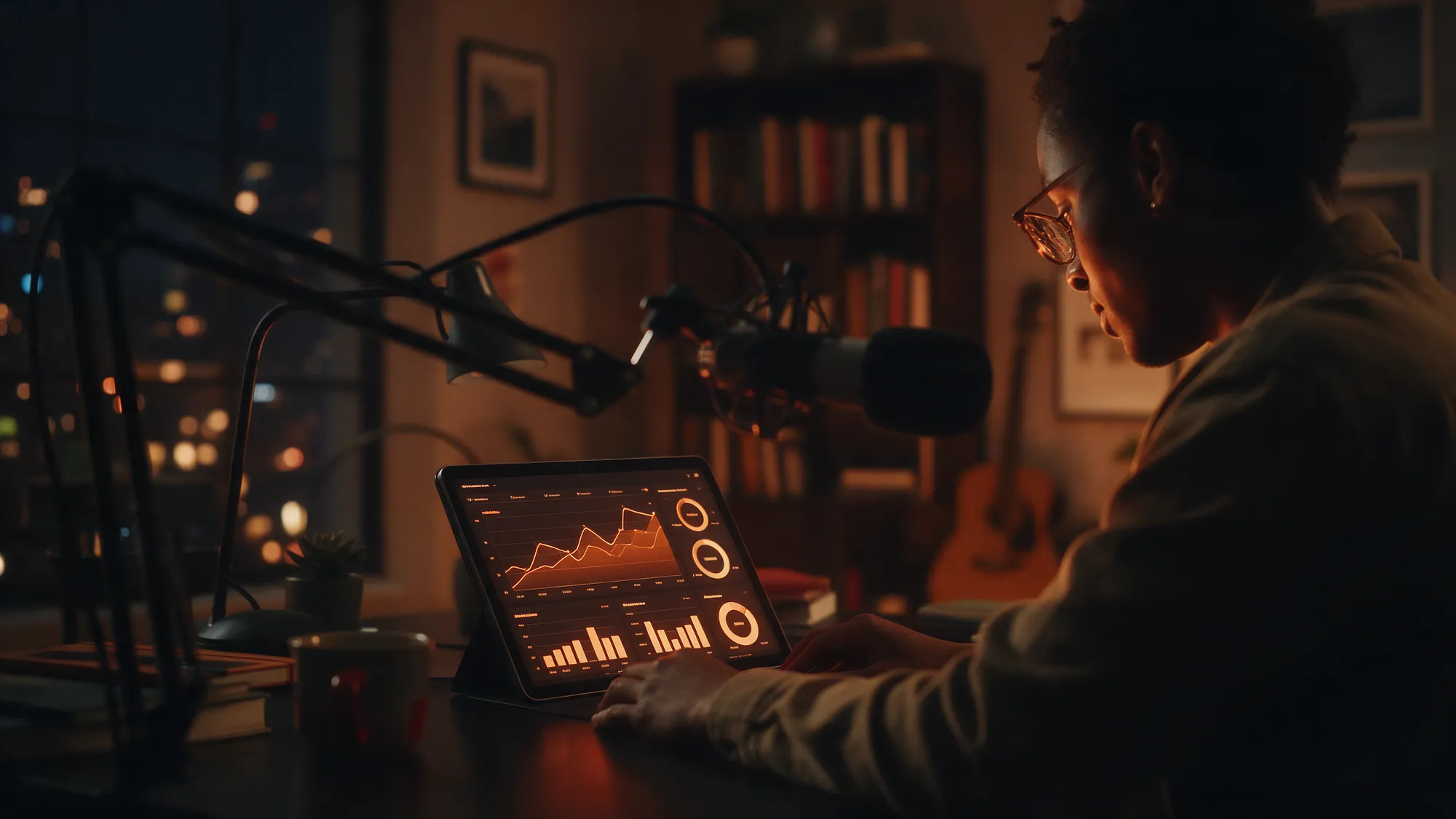
Open your analytics in the Witspeak Podcasts studio and you will see downloads and streams side by side. They are not the same thing, and the gap between them tells you something.
A download is a listening app fetching your episode file, either because a subscriber's app pulled it automatically or because someone tapped play and the app grabbed the whole file. The industry standard most hosts follow, including Witspeak Podcasts, counts a download once at least a minute of audio has been fetched, and counts one per app per episode per day, so a listener who pauses and resumes 5 times is still one download.
A stream is a play in the Witspeak web player, an embed, or the Witspeak app, where the session itself is visible: when it started, how long it ran, where it stopped.
So downloads are the broad number that compares across the whole podcast ecosystem, and streams are the detailed number you only get where you control the player. Quote downloads when someone asks how big your show is. Read streams when you want to know how people actually listen.
Neither one means "a person listened to the end". A download can be an auto-fetch that was never played. Every podcast has them.
Why Apple, Spotify and your host disagree
Your host says 1,200. Apple Podcasts Connect says 700. Spotify for Creators says 450. Nobody is lying.
- Your host counts every app. Apple only counts Apple's app. Spotify only counts Spotify. Add their numbers together and they should land somewhere near your host total, minus the apps neither of them covers.
- They count different things. Spotify counts streams of at least 60 seconds. Apple counts plays and engaged listeners. Your host counts file downloads. Three definitions, three numbers.
- Timing differs. Platform dashboards can lag by 24 to 72 hours. Hosts count in near real time.
- Spotify caches. Spotify serves your audio from its own servers after fetching it once, so one Spotify fetch can equal many Spotify plays. This is the single biggest reason host numbers and Spotify numbers drift apart.
Rule of thumb: use your host for totals and trends, and the platform dashboards for what happens inside each app (follows, completion, where people drop off).
Unique listeners, without cookies
Downloads tell you how many fetches happened. Unique listeners tells you roughly how many devices those fetches came from.
Witspeak Podcasts works this out without tracking you or your audience. Each request's IP address and user agent are hashed together with a salt that rotates every day. The result is a fingerprint that can tell two requests on the same day apart, but cannot be reversed into an address, cannot follow a listener from one day to the next, and never uses a cookie or a stored identifier. It is a count, not a profile.
Because the hash resets daily, unique listeners is most accurate as a per-day number. For a monthly figure, treat it as an estimate. A healthy show has a downloads-to-uniques ratio that stays steady from episode to episode. If downloads jump and uniques do not, something fetched your file a lot (a bot, a scraper, an app re-caching), not a crowd of new people.
The apps breakdown
The listening apps chart tells you where your audience lives. A typical spread looks something like this, though yours will differ:
- Apple Podcasts dominates on iPhone and tends to be the largest slice for English-language shows.
- Spotify is often second, and growing fastest with younger listeners.
- Overcast and Pocket Casts are small but loyal. Their users subscribe, listen to the end, and rarely churn.
- Browser is people who found you on the web, in search, or through an embed on your site. Big browser numbers usually mean good SEO or a link that went somewhere.
What to do with it: promote where your listeners already are (a Spotify follow link if Spotify is your second slice), and make sure your show is submitted everywhere it is not yet listed. If browser is tiny and you have a website, your embed is probably hidden.
Countries
The countries list is built from the same request data and resolved to a country, never a city or a person. Use it for three things:
- Scheduling. Release when your largest country is waking up.
- Language. If a surprising country appears, try AI Dubbing and Translation on one episode in that language and watch whether the slice grows.
- Sponsorship. Advertisers ask for this chart. A clean, honest geography is worth more than a big, vague total.
The first 7 days
The most useful single number in podcasting is downloads in the first 7 days after an episode goes live. It is the number that lets you compare episode 40 with episode 12 on equal terms, because older episodes have had longer to accumulate.
Track it for every episode. Then look at:
- The trend. Is the 7-day number rising over the last 10 episodes, flat, or falling?
- The outliers. Which episodes beat the line, and what did they have in common (a guest, a topic, a title style, a clip that travelled)?
- The share. What fraction of your total downloads happen in week 1? A show with a strong back catalogue might be 40 percent. A news show might be 90.
What to change based on the data
Analytics are only useful if they change something. A few honest translations:
- High downloads, low completion in the web player: the first 2 minutes are too slow. Cut the preamble.
- Spiky 7-day numbers, flat baseline: your growth is coming from promotion, not from subscribers. Work on the follow prompt in your outro and post AI Highlight Clips in the days after release.
- A big country you do not speak to: record a 30-second Speak in their language or dub an episode.
- Browser share rising: your show notes and transcripts are being found in search. Keep AI Show Notes and Chapters and Speech-to-Text transcripts switched on for every episode.
- Uniques flat for 3 months: the audience is loyal but not growing. Guest swaps and cross-promotion with similar shows move this number more than anything else.
Pick one change per month. Measure it against the 7-day number. Keep what works.
Free hosting, honest analytics and the AI studio are all in one place. Create your show at https://podcast.witspeak.com/studio/signup and watch your first 7 days.