
Your phone is enough
The microphone in a modern phone is better than the one in most podcast studios from 2010. Bad phone recordings are almost never the phone's fault. They are the room's fault, the distance's fault, or the wind's fault. Fix those three and you are most of the way to broadcast quality.
Pick the room
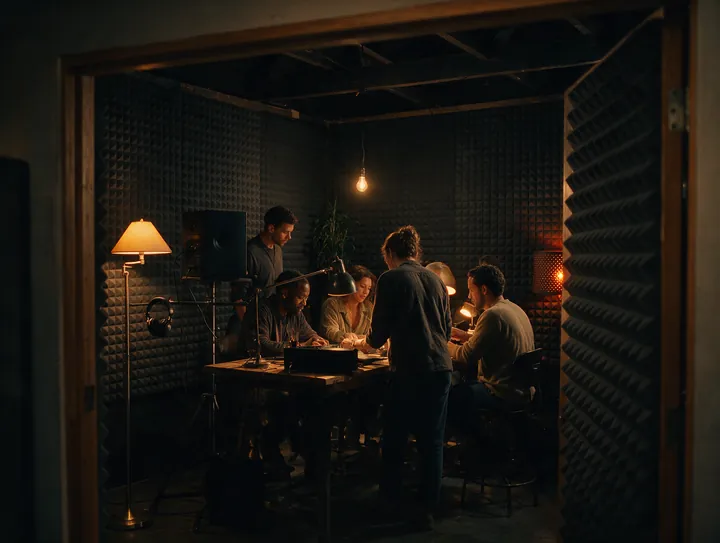
Sound bounces. Hard, flat surfaces (tiles, bare walls, glass, laminate floors) throw your voice back at the mic a few milliseconds late, which listeners hear as echo and "that bathroom sound". Soft, uneven surfaces absorb it.
Good rooms, in order:
- A walk-in wardrobe or a cupboard full of clothes. Genuinely the best recording space in most homes.
- A bedroom with the curtains closed, sitting on the bed or facing the wardrobe.
- A sofa in a carpeted living room, with cushions around you.
- A parked car with the engine off. Small, padded, surprisingly quiet.
Avoid kitchens, bathrooms, corridors and empty rooms. If you have to record in one, hang a duvet behind the phone and face it.
Then listen. Fridge hum, a laptop fan, a ceiling fan, a clock. Switch off what you can. Your ears tune those out. The recording does not.
Mic distance
The most common mistake is holding the phone too far away. Volume falls off quickly with distance, so at arm's length the room is as loud as you are.
- Hold the phone 10 to 15 cm from your mouth, about a hand's width.
- Angle it slightly off to the side, not straight in front of your lips, so plosives (p and b sounds) do not pop.
- Keep the distance steady. Rest your elbow on a table or hold the phone against your cheekbone as a reference.
- Find the mic. On most phones the primary mic is at the bottom edge. Do not cover it with your palm.
Speak at a normal conversational level. Shouting at a phone sounds like shouting. Close and quiet beats far and loud every time.
Airplane mode
Switch on airplane mode before every recording and turn Wi-Fi back on only if the app needs it. Two reasons:
- Incoming calls and notifications can interrupt or stop a recording.
- Mobile radios can induce a faint buzz in cheap cables and some mics.
Do Not Disturb is not enough. A call can still ring through.
Wind and outdoor recording
Wind is the one problem software cannot fully fix. It does not sound like wind on a recording. It sounds like a low rumble and distortion that wipes out your voice.
- Find a wind shadow: a wall, a parked car, a doorway, the sheltered side of a tree.
- Turn your back to the wind so your body shields the mic.
- Cup a hand loosely around the mic, not over it.
- If you record outdoors often, a foam or furry windshield for a lavalier mic costs very little and solves it completely.
A wired lavalier: the one upgrade worth buying
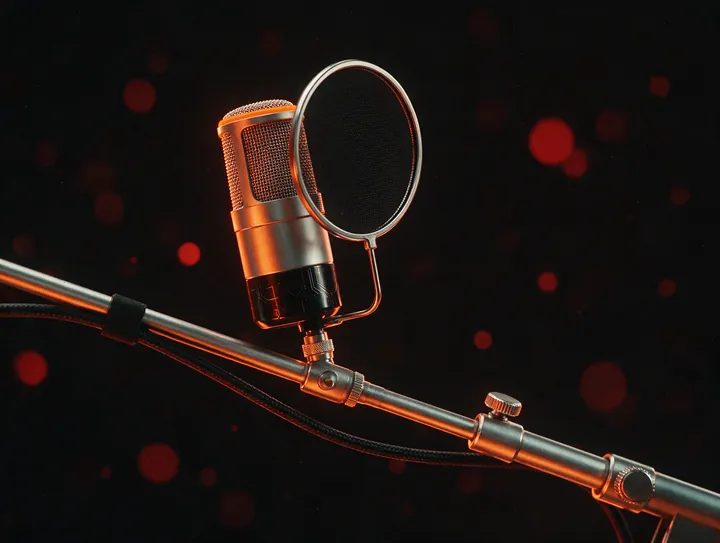
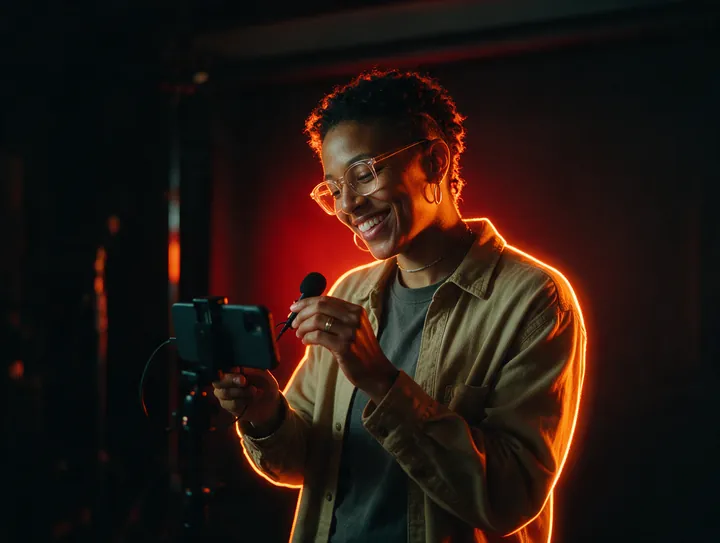
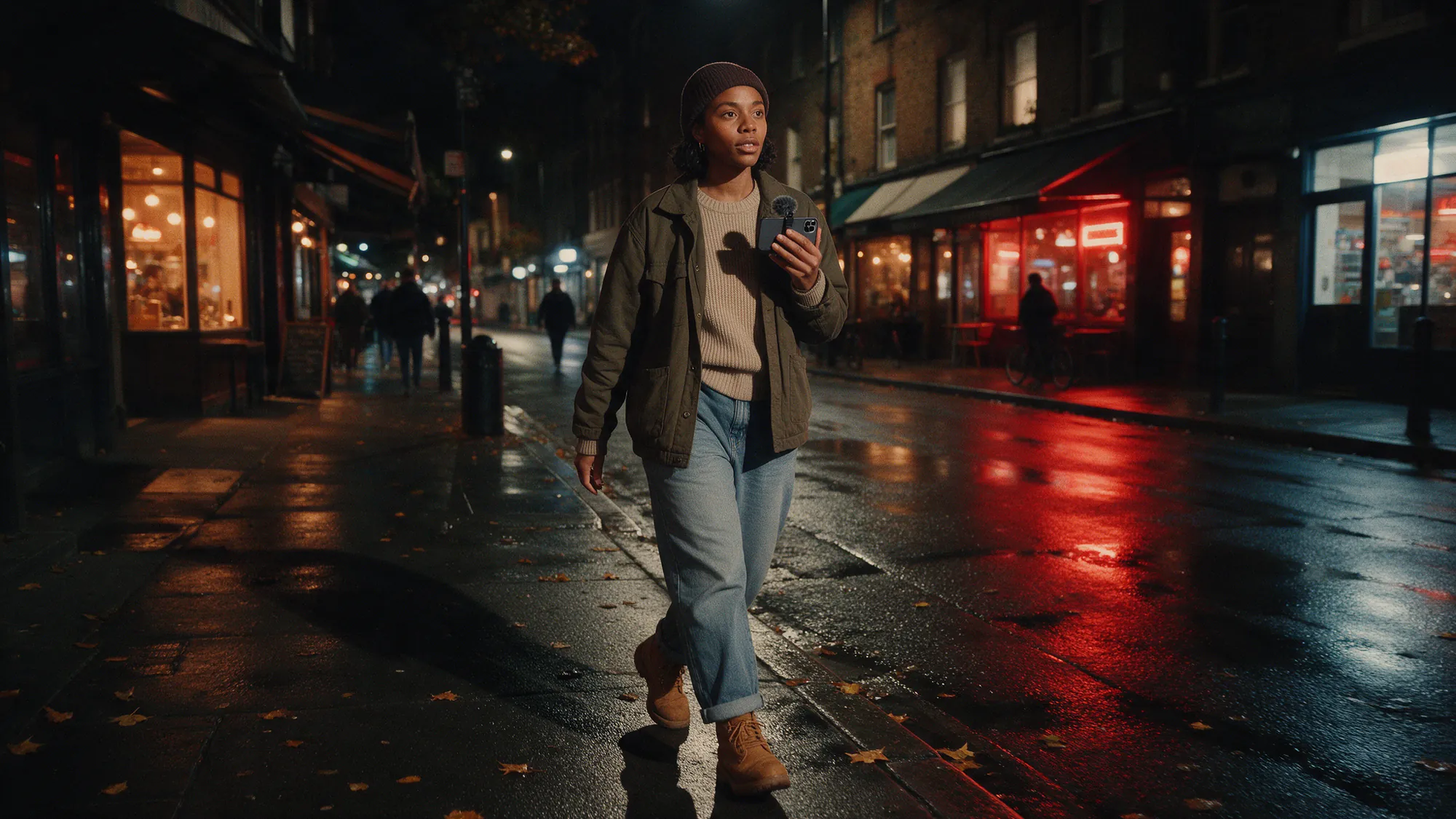
If you spend money on one thing, make it a wired lavalier (clip-on) microphone. They are small, cost about the same as a takeaway for two, and they fix the two hardest problems at once: distance and room sound. The mic stays 15 cm from your mouth no matter what your hands are doing, so you can walk, gesture and look at your notes.
Clip it to your collar or the centre of your chest, run the cable under your shirt, and get a USB-C or Lightning version so there is no adapter. Wired beats Bluetooth for recording. Bluetooth mics compress audio and can drop out mid-sentence.
Using the Speak recorder in Witspeak
The Speak recorder in the Witspeak app is built for exactly this: 30 seconds of voice, recorded on a phone, posted to your timeline.
- Tap the mic, wait for the countdown, and start talking after the beep, not during it.
- Say your first sentence as if someone just asked you a question. It gets you to the point.
- Watch the level meter. It should move into the upper part of the range when you speak and never sit at the top.
- If you fluff a line, re-record. 30 seconds is cheap. Listeners can hear a rescue.
- Give the feed a clear title and pick the topic that fits (Advice, Comedy, Daily, Health and so on), because that is how people find it.
For longer recordings (episodes, interviews, your Voice bio) use the same room and distance rules and record in the Witspeak Podcasts studio or any recorder that saves a WAV or high-bitrate file.
After recording: one tap, then levels, then mastering
Good raw audio needs very little work. Bad raw audio cannot be saved. Do the work before the tap, then let the tools finish it.
Noise removal. In AI Voice Studio, one tap removes hum, hiss, fan noise and most room tone. Use it on every recording. It is not a replacement for a quiet room, but it turns a decent recording into a clean one.
Auto-levelling. Your voice gets louder and quieter as you talk. Levelling evens it out so a listener on a bus does not have to ride the volume button. The studio does this automatically.
Mastering to -16 LUFS. Loudness is measured in LUFS, and -16 LUFS is the level podcast apps and most platforms expect for stereo spoken word (-19 for mono). Master to it and your episode plays at the same volume as everyone else's. Too quiet and people skip. Too loud and it distorts. One tap, every time.
Common mistakes
- Recording in the loudest room because the light is nicest. Audio does not care about light.
- Holding the phone at arm's length so you can read notes. Use a lavalier, or hold the notes up next to the phone.
- Touching the phone while recording. Every tap and rub is a thud on the track. Put it down or hold still.
- Leaving the first 5 seconds empty. Start talking straight after the beep.
- Trusting the phone speaker to check the take. Review with headphones. The speaker hides hiss and echo.
- Fixing it in post. Noise removal is remarkable, but it cannot invent a voice that the room swallowed.
Record close, record quiet, record in a cupboard. Then let the AI do the rest. Download Witspeak and post your first Speak today.